Why Preventing Ransomware Attacks On Company Devices Matters?
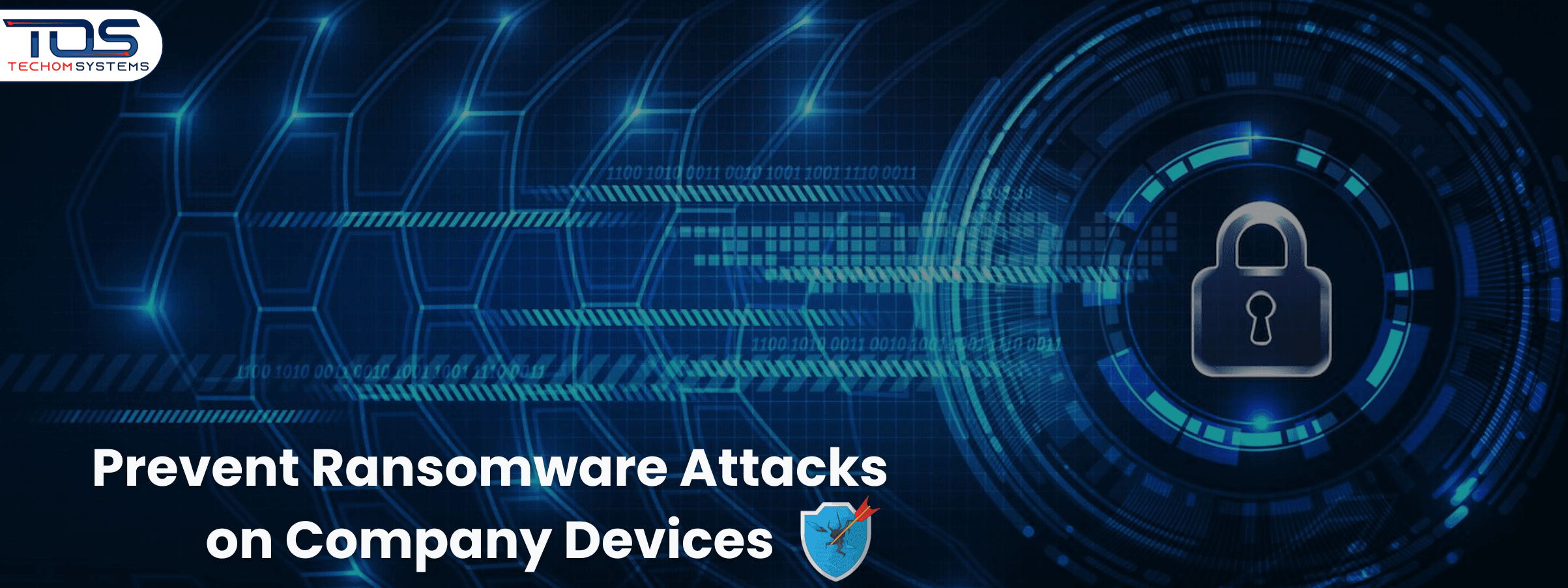
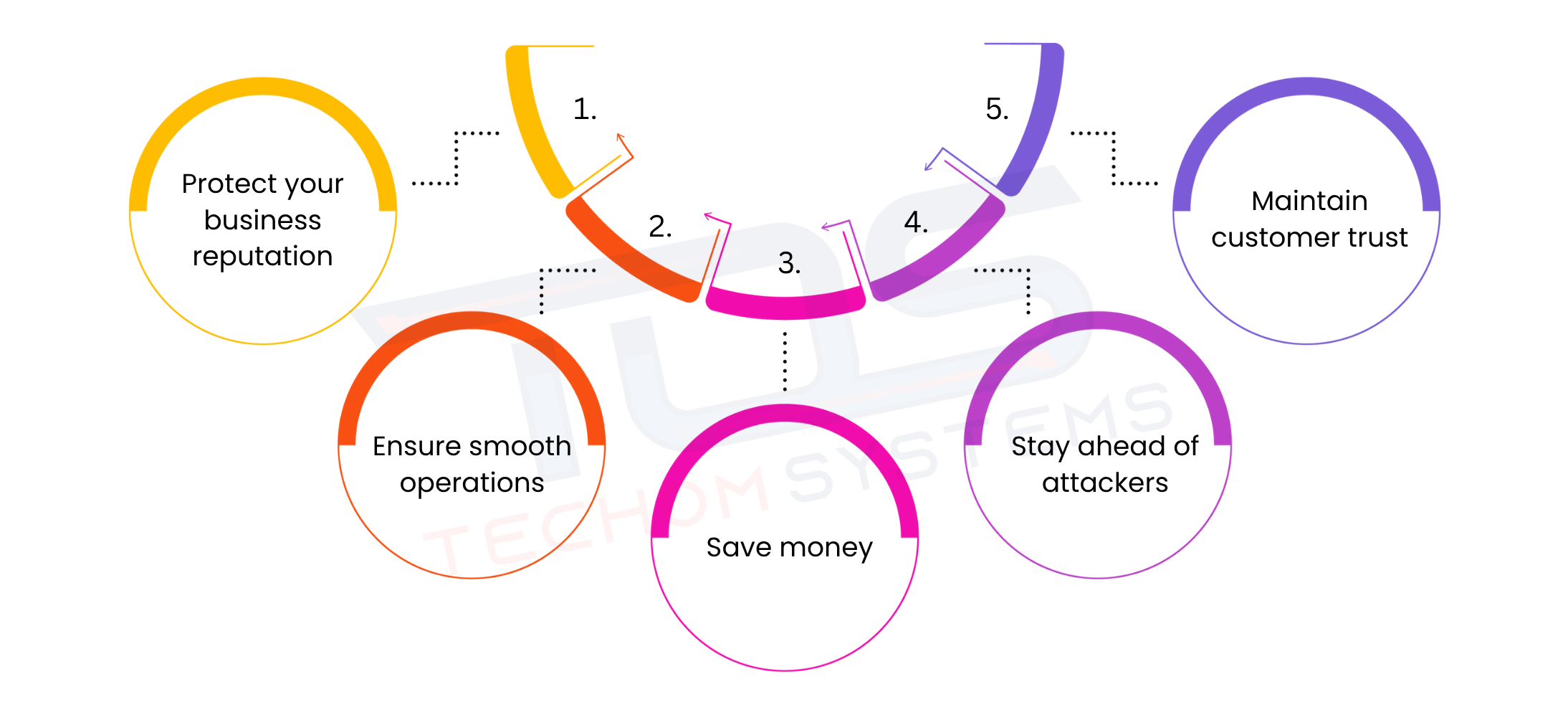 Every business, whether big or small, relies on its devices and data to operate smoothly. Losing access to files or having systems locked by ransomware can bring daily operations to a halt. Protecting your systems is more than safeguarding data. It also helps maintain your reputation, keeps customer trust intact and prevents costly downtime. Below are the key reasons why businesses should focus on preventing ransomware attacks on company devices:
- Protect your business reputation: A ransomware attack can harm your credibility with clients and partners if sensitive information is compromised or services are disrupted.
- Ensure smooth operations: Preventing ransomware keeps your workflow uninterrupted, avoiding delays in projects, communications and important deadlines.
- Save money: Recovering from an attack can be expensive, from paying ransoms to restoring systems and lost productivity. Proactive protection is always more cost effective.
- Stay ahead of attackers: Hackers often target businesses with weaker defenses. Taking preventive measures early reduces the risk of becoming an easy target.
- Maintain customer trust: Clients and partners value businesses that protect their data. Demonstrating strong cybersecurity builds confidence and long-term relationships.
Free Tips For You: Top Benefits Of Check Point Security Solutions For Modern Businesses
Practical Ways To Prevent Ransomware Attacks On Company Devices
Protecting your business from ransomware goes beyond basic security practices. Taking additional practical steps can significantly reduce risks and keep your company devices secure. These measures help ensure that even if a threat appears, your systems remain protected and business operations continue without interruption. Below are some effective ways to prevent ransomware attacks on company devices:Step 1: Provide Security Awareness Training
Security awareness training is educating employees about potential threats like ransomware and teaching them how to act safely online. Most ransomware attacks begin with human error, such as clicking on a malicious email or downloading unsafe files. By training your team, you reduce the risk of mistakes that can compromise your entire network. Below are key ways to make security training effective:- Train employees to identify suspicious emails, links and attachments.
- Conduct regular workshops or online sessions to keep staff updated on new ransomware tactics.
- Encourage employees to report unusual system activity immediately to IT.
Step 2: Implement Multi Factor Authentication
Multi Factor Authentication or MFA, adds an extra layer of protection to your accounts. Even if someone steals a password, MFA prevents unauthorized access because a second form of verification is required. This makes it much harder for hackers to get into company devices. Here are ways to implement MFA effectively:- Require multiple forms of verification like SMS codes, authenticator apps or biometric scans.
- Use MFA for all critical applications including email, cloud storage and internal systems.
- Regularly review and update authentication policies to maintain strong access control.
Step 3: Microsegment Devices and Users
Micro segmentation means dividing your network into smaller zones or groups. Each zone has limited access, so if ransomware enters one part, it cannot easily spread to the entire network. This limits damage and keeps most of your systems operational. To make micro segmentation effective:- Separate departments or teams into distinct network zones.
- Restrict access so employees only reach the systems necessary for their work.
- Monitor each network segment individually to quickly detect unusual activity.
Step 4: Develop a Ransomware Response Plan
A ransomware response plan is a detailed guide on what to do if a ransomware attack occurs. Without a plan, businesses can waste precious time trying to figure out how to react, which increases downtime and data loss. Below are the essential elements of a strong response plan:- Create a step by step guide for employees to follow during an attack.
- Assign key personnel responsible for responding to attacks.
- Include communication plans to notify stakeholders, clients and IT staff quickly.
Step 5: Keep Systems Up To Date
Outdated software and operating systems are prime targets for hackers because they often contain unpatched vulnerabilities. Regular updates fix these weaknesses and make it harder for ransomware to succeed. To keep systems updated:- Apply software updates and security patches promptly.
- Maintain updated antivirus and anti malware programs.
- Conduct regular system audits to confirm that all devices are compliant.
Step 6: Regularly Back Up Data
Data backups are copies of important files stored securely so that even if ransomware encrypts your main systems, you can restore everything quickly. Backups are critical for business continuity. Here are best practices for backups:- Store backups offline or in a secure cloud location.
- Test backups regularly to ensure data can be restored successfully.
- Maintain multiple versions of files to recover from different types of attacks.
Step 7: Have a Disaster Recovery Plan
A disaster recovery plan outlines how to restore systems and resume business operations after a major incident, like a ransomware attack. It reduces downtime and ensures critical functions continue smoothly. Your plan should include:- Procedures for restoring systems and data in order of priority.
- Defined roles for employees and IT staff during recovery.
- Guidelines to communicate with clients and stakeholders while systems are being restored.
Step 8: Work With Security Experts
Working with experienced security experts provides your business with professional guidance to protect company devices from ransomware without the need for a full time in house security team. TECHOM Systems experts help businesses identify risks, implement strategies and stay compliant with industry standards, ensuring your IT security is strong and up to date. You can benefit from working with security experts by:- Receiving advice on security policies, risk management and threat prevention from professionals.
- Getting continuous monitoring recommendations to strengthen defenses and stay ahead of cyber threats.
- Ensuring compliance with regulations and industry best practices with guidance from skilled experts.
Step 9: Use Strong Password Policies and Management Tools
Strong passwords and proper management prevent unauthorized access to company devices. Weak or reused passwords make it easier for hackers to penetrate your systems. To implement strong password practices:- Require complex, unique passwords for all accounts.
- Use password management tools to store, generate and secure credentials.
- Encourage employees to change passwords regularly and avoid reusing them across systems.
Practical Overview and Expert Guidance
The steps above give you a practical overview of ways to prevent ransomware attacks on company devices. While these measures provide a strong foundation, implementing them correctly and effectively requires technical expertise. To ensure your business is fully protected and your systems remain secure, working with experienced professionals is the smartest choice. You can book a free consultation with TECHOM Systems today to get expert guidance tailored to your business and protect your company devices from ransomware before it’s too late.Best Practices To Prevent Ransomware Attacks
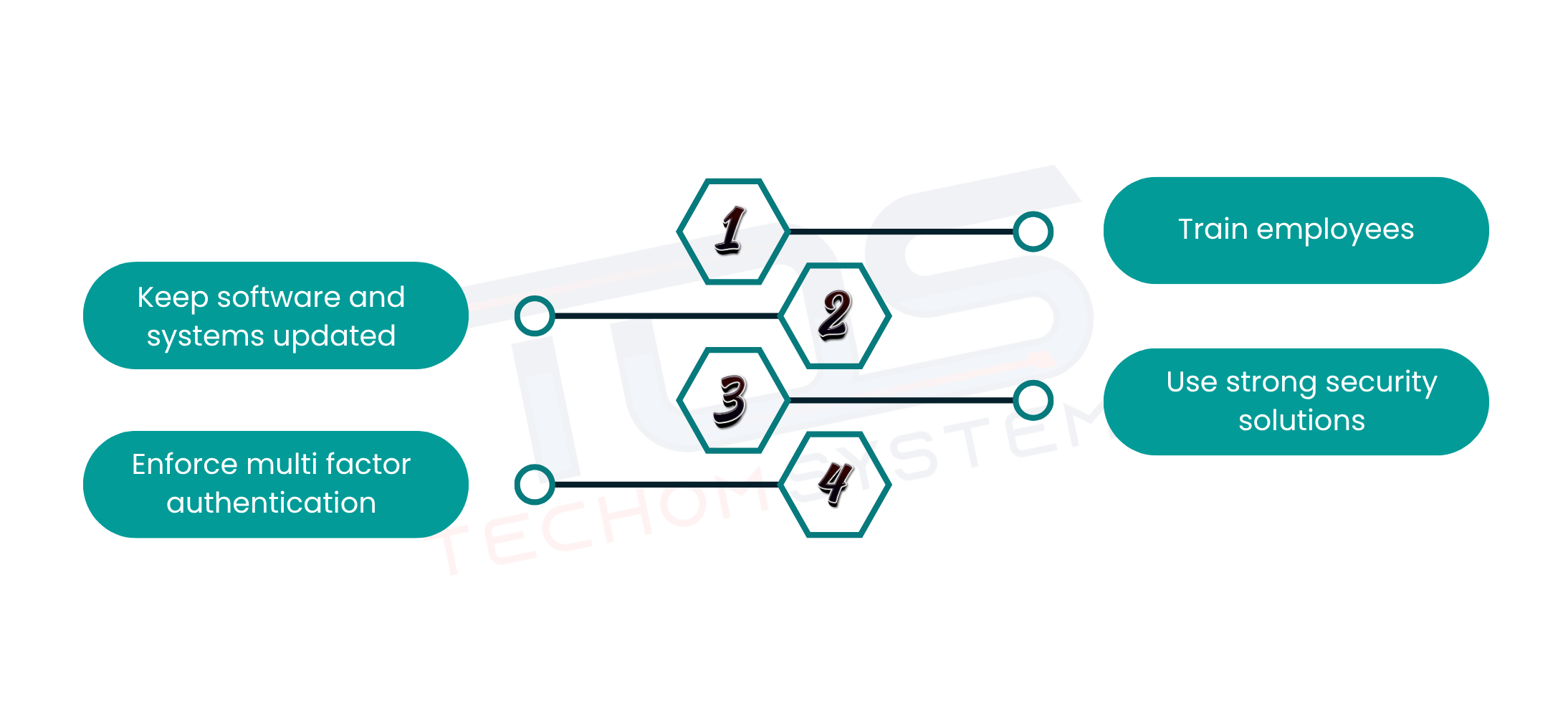 Preventing ransomware attacks on company devices starts with following proven best practices that create a strong line of defense. These measures help protect your data, maintain smooth business operations and reduce the risk of costly downtime. Below are some effective best practices to prevent ransomware attacks:
- Keep software and systems updated: Regularly update all software, operating systems and applications to close security gaps that hackers might exploit.
- Train employees: Educate staff to recognize suspicious links, attachments and phishing attempts that often serve as entry points for ransomware.
- Enforce multi factor authentication: Secure accounts and sensitive data by requiring multiple forms of verification for access.
- Use strong security solutions: Implement reliable endpoint and network security tools to detect and stop ransomware before it spreads.

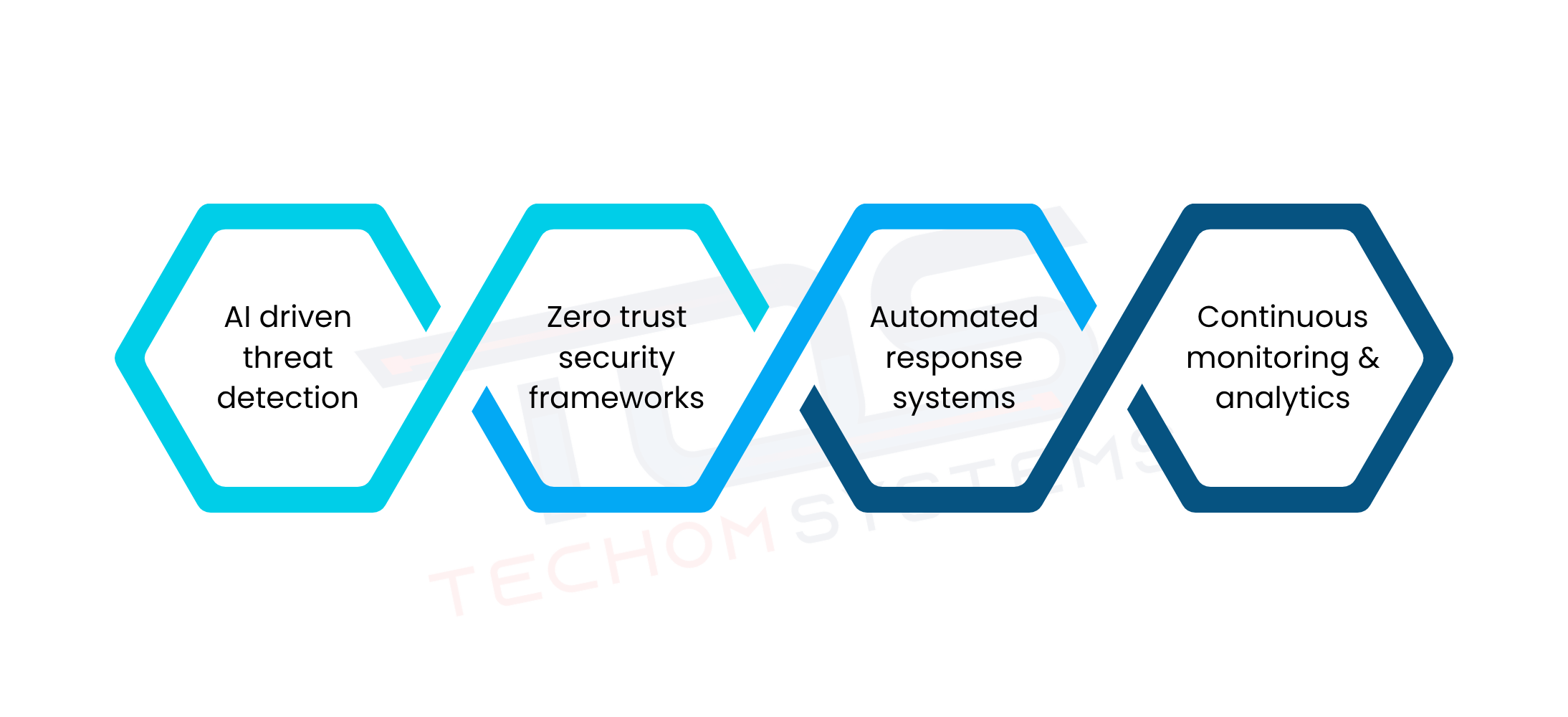 Ransomware is constantly evolving and businesses need to stay ahead to protect their company devices. Understanding future trends in ransomware protection helps companies prepare for emerging threats and strengthen their security strategies. Below are some key trends to watch: