Key Insights:
Here are some practical insights that help businesses understand the real value of modern communication upgrades:
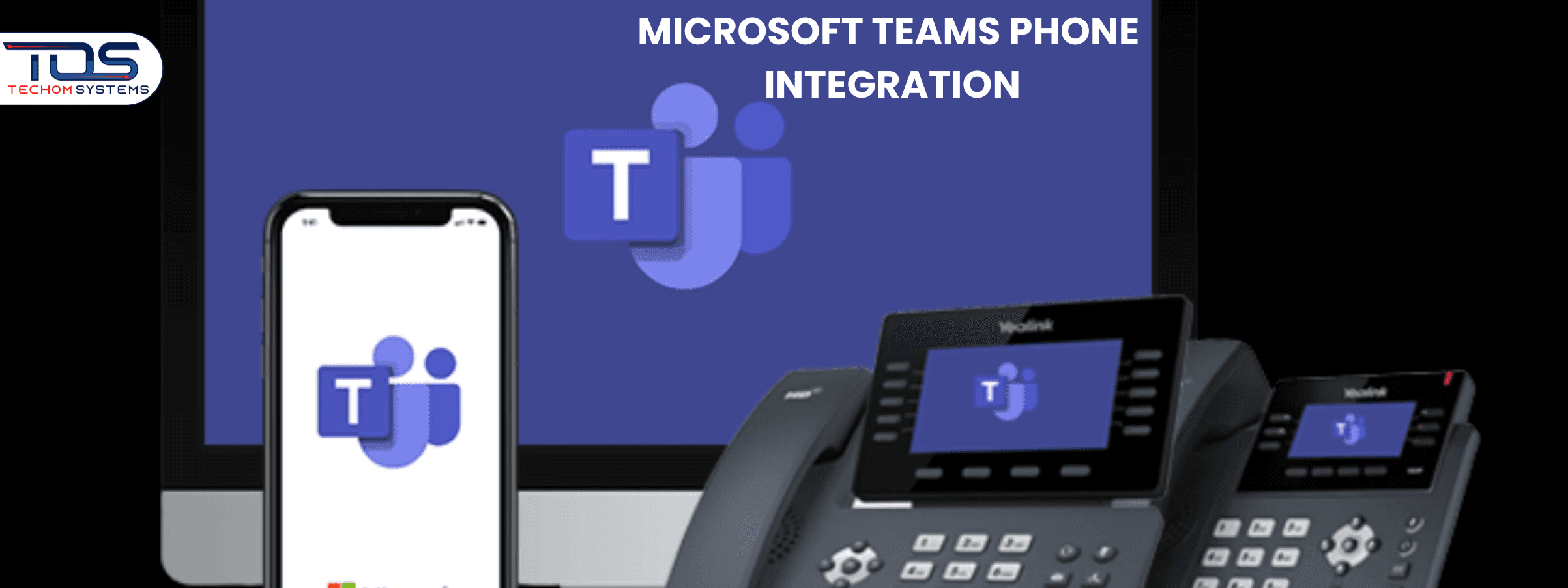
Modern communication environments often feel complex, which forces businesses to question the efficiency of their daily calling workflows. Many leaders explore new tools when traditional phone systems begin slowing down important conversations across teams. Microsoft Teams phone integration emerges as a practical upgrade that simplifies calling experiences while improving long term communication performance. Businesses adopting Teams phone integration gain smooth calling capabilities that support hybrid work and operational flexibility.
When organisations want unified communication platforms, they begin comparing traditional phones with intelligent cloud systems. Microsoft Teams phone integration provides consistent calling quality with modern features that support employees working from any environment. This combination helps teams manage calling tasks with improved confidence while reducing technical distractions. Microsoft Teams calling features enhance overall communication value for organisations focusing on productivity stability and resource efficiency.
- Unified calling platforms reduce daily workflow interruptions and support faster decision making across multiple departments.
- Cloud-powered communication improves reliability for hybrid teams by delivering stable calling performance across devices and locations.
- Organizations adopting modern calling systems often gain stronger collaboration outcomes due to simplified communication structures.
Why Microsoft Teams Phone Integration Matters Today
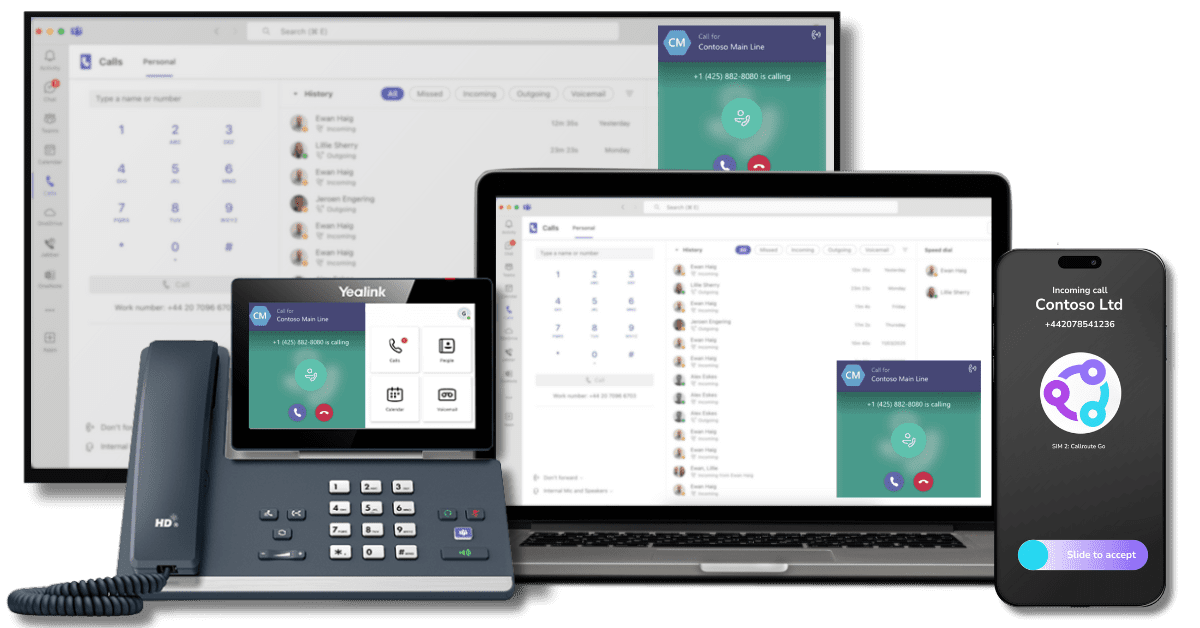 Modern communication requires stable calling systems that support hybrid teams with reliable performance. Advanced cloud calling features simplify daily workflows while helping organisations maintain smooth collaboration and consistent operational efficiency across every department.
- Many organisations seek ways to eliminate old hardware that increase operational overhead which modern cloud platforms remove effectively.
- Calling workflows remain smooth, flexible and easy to manage across all departments when adopting advanced digital communication environments.
- Hybrid workplaces require secure tools that support mobility which is strengthened by Microsoft Teams calling features for all team structures.
- Microsoft Teams calling features enhance communication reliability for distributed teams needing stable voice channels for daily activities.
- Organisations using Microsoft Teams cloud telephony gain powerful calling management capabilities that improve everyday communication performance.
- These smart capabilities help employees maintain structured communication environments that support long-term operational continuity and business execution.
- Microsoft Teams phone integration provides streamlined calling experiences that keep employees connected in real time with reduced communication complexity.
Did You Know
Here are some interesting insights about modern communication systems that show how smart calling upgrades strengthen business performance:
- Over 70% of teams experience slow communication due to outdated calling systems without a unified digital platform.
- Organisations using expert-guided communication upgrades report improved calling stability with reduced operational delays across departments.
- Modern cloud calling platforms help businesses strengthen collaboration by providing secure, reliable and flexible communication channels for hybrid teams.
How Microsoft Teams Phone Integration Improves Daily Communication
Unified communication platforms improve daily workflows by supporting smooth calling experiences across mobile remote and onsite teams while reducing confusion, enabling faster collaboration and strengthening overall efficiency for modern operations.1. Unified Calling Environment for Smoother Communication
Microsoft Teams phone integration enhances calling performance by unifying communication tasks into one platform which helps teams manage daily workflows efficiently across mobile remote and onsite environments.2. Advanced Features that Reduce Device Switching
Microsoft Teams calling features allow employees to handle calls meetings and voicemails without switching between multiple tools helping businesses maintain stable productive communication cycles.3. Cloud Powered Communication with Hardware Compatibility
Microsoft Teams cloud telephony strengthens voice management with secure cloud infrastructure while Microsoft Teams device integration enables smooth performance across desk phones headsets and meeting room devices.4. Centralised Workspace for Simplified Calling Actions
Companies benefit when Microsoft Teams phone integration removes confusion by centralising all calling actions inside a familiar workspace that supports consistent communication across diverse operational scenarios. Start Your Communication Transformation Journey With TECHOM Systems NowPhases Of Implementing Microsoft Teams Phone Integration
Implementing a modern communication upgrade requires a structured plan that supports stability adoption and long-term performance. Organisations following clear steps gain smoother results when adopting advanced calling systems. Proper planning also ensures Microsoft Teams phone integration aligns with communication goals and operational needsPhase 1: Assessment and Planning
Teams begin by reviewing existing calling workflows to identify gaps that slow productivity. This helps create defined communication goals supported by Microsoft Teams calling features and enables accurate planning for future communication improvements.Phase 2: Configuration and Licensing
Technical setup involves assigning licences configuring calling policies and preparing routing structures. Microsoft Teams cloud telephony strengthens this phase by providing secure online management and flexible calling controls for different departments.Phase 3: Deployment and User Enablement
Organisations introduce calling features to employees using a guided rollout. Training helps teams understand new tools which improve adoption speed. Microsoft Teams device integration ensures hardware remains compatible and ready for stable communication.Phase 4: Optimisation and Improvement
Continuous monitoring helps refine call flows, evaluate communication quality and adjust system rules based on real usage patterns during Microsoft Teams phone integration. This optimisation strengthens reliability while supporting long-term collaboration requirements across the organisation with Microsoft Teams for phone integration.>>Also Read: Microsoft Teams Migration Services You Can Trust