- Enhanced application security
- Secure access to on-premises and private cloud resources
- Improved troubleshooting and support
Back to Insights
How Does Microsoft Intune Suite offer Security, Efficiency, and Savings in 3 Ways?
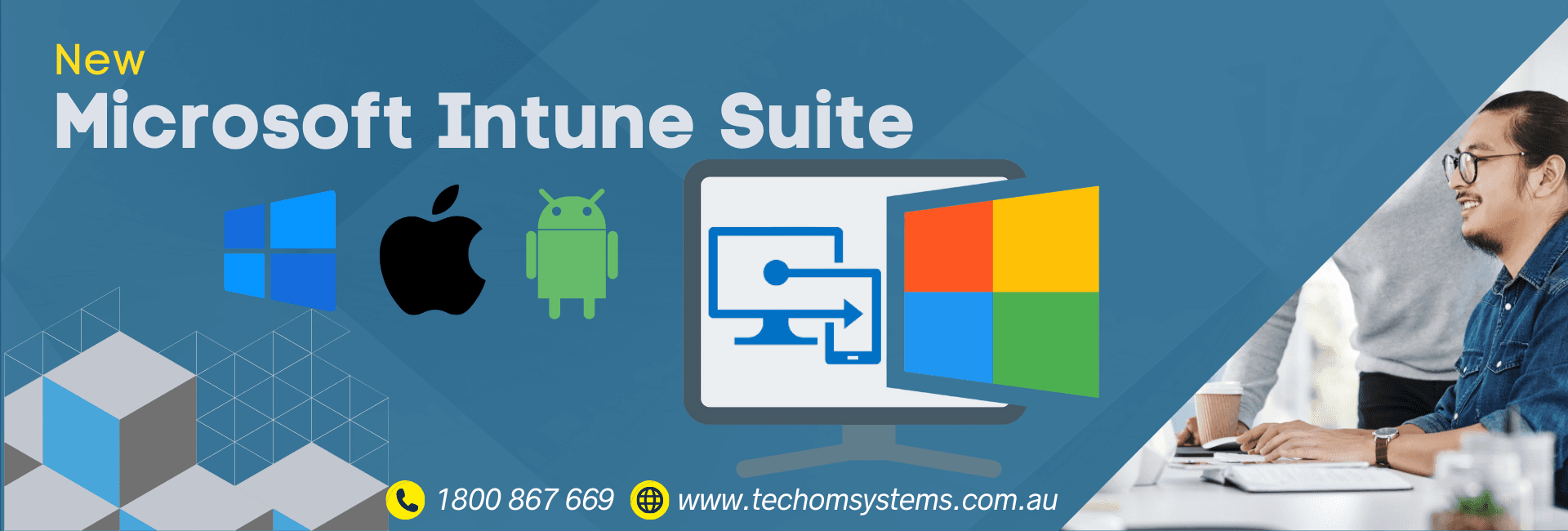
Today, we're discussing Microsoft's significant advancement in fulfilling the functionality promised with the initial unveiling of the Microsoft Intune Suite vision. Microsoft is introducing three new solutions: Microsoft Intune Enterprise Application Management, Microsoft Intune Advanced Analytics, and Microsoft Cloud PKI. With these additions, the Intune Suite extends beyond unified endpoint management, offering an extensive array of advanced cross-platform capabilities in three core areas:

A Comprehensive Suite Covering Applications, Access Needs, and Support
Let's delve into the details. Enterprise App Management streamlines the discovery, deployment, and updates of enterprise apps, starting with application security. Endpoint Privilege Management enables the fine-tuning of elevation rules per app, granting standard users access to approved privileged apps. Cloud PKI simplifies certificate management by handling certificates from the cloud, eliminating the need for complex on-premises PKI infrastructure. Microsoft Tunnel for Mobile Application Management (MAM) is tailored for unenrolled personal mobile devices, facilitating secure access to line-of-business apps. Advanced Analytics provides insightful data across endpoints, while Remote Help allows for the viewing and controlling of PCs, Mac computers, and specialised mobile devices directly from the Intune admin centre. Let's explore each of these product areas further.Enhance endpoint security with Enterprise App Management and Endpoint Privilege Management.
Enterprise App Management introduces a new app catalogue, simplifying the distribution and maintenance of managed apps. With this initial release, users can easily discover and deploy popular pre-packaged apps directly from their publishers, eliminating the need to search for installation files online. Moreover, users can enable self-updating for trusted apps, ensuring devices are always equipped with the latest versions with just a single click. Microsoft plans to continually enhance the app catalogue functionality in future releases, bolstering endpoint security and streamlining operations. For greater control over applications, Endpoint Privilege Management enables the implementation of temporary privilege elevation based on approved apps and processes. Under this policy, users within the designated scope can elevate specific processes and apps that have been authorised. For instance, users may temporarily run a single app with administrator privileges for a limited duration. Unlike other methods granting local admin permissions or broad scope, this approach allows selective elevation on a case-by-case basis, requiring Intune admin approval without predefined policies.Cloud PKI and Microsoft Tunnel for MAM Enable Secure Access
With Cloud PKI, you can quickly set up both root and issuing Certificate Authorities (CA) in the cloud, easily managing the certificate lifecycle and reducing the need for extensive technical expertise and tools. Support for Bring-Your-Own CA allows you to anchor Intune's Issuing CA to your private CA. At the same time, certificates can be automatically deployed to Intune-managed devices for various authentication scenarios. Cloud PKI seamlessly integrates with existing Active Directory Certificate Services for SSL and TLS certificates, eliminating the need for additional infrastructure. Certificates can be managed directly from the Intune admin centre. Microsoft Tunnel for MAM enhances mobile access security by providing secure VPN access for user-owned iOS and Android devices at the app level. This advanced solution allows IT administrators to authorise specific apps and browsers, ensuring that company data remains secure even on personally owned devices. App protection policies further safeguard data within the apps, preventing unauthorised data leakage.Resolve Support Issues Faster with Advanced Analytics and Remote Help
Advanced Analytics in Intune offers robust tools for actionable reporting and AI-driven analytics. It delivers deep, near-real-time insights into connected devices and managed apps, enabling users to understand, anticipate, and proactively enhance the user experience. Microsoft continues integrating AI and machine learning into its analytics products, allowing users to avoid issues such as battery degradation in device fleets through advanced statistical analysis. The Intune Suite now features real-time device querying using Kusto Query Language, enabling quick troubleshooting and resolution of support calls. With Remote Help, users can streamline remote viewing and interaction with managed devices, whether for user-requested or unattended sessions. Help desk technicians can securely connect to enrolled and unenrolled devices, while users can verify the technician's identity to prevent help desk spoofing attempts. Currently, Remote Help supports remote viewing and controlling in Windows PCs and Android dedicated Enterprise devices, with remote viewing available for macOS. Particularly beneficial for frontline workers, Remote Help for Android allows administrators to configure and troubleshoot unattended devices, ensuring issues can be addressed even outside of regular working hours.Analyst Recognition for Microsoft
The recent enhancements to the Intune Suite are now available, empowering IT to steer towards a more secure and productive future, especially as AI integration grows. Notably, analyst recognition reaffirms the significance of its value. For instance, Microsoft has again achieved the strongest leadership position in the Omdia Universe: Digital Workspace Management and Unified Endpoint Management Platforms 2024.Get Started with Consolidated Endpoint Management Solutions with the Microsoft Intune Suite
Experience the future of endpoint management with the latest release of the Microsoft Intune Suite in February 2024. This milestone represents a significant leap forward, offering a consolidated and comprehensive solution set designed to streamline your organisation's IT operations. With the Intune Suite, you can access many tools and features that empower you to manage your endpoints effectively. Whether you want to enhance security, improve productivity, or simplify device management, the Intune Suite has you covered. What sets the Intune Suite apart is its flexibility. Available as a cost-effective bundle or as individual add-on solutions, you can tailor your endpoint management strategy to meet your organisation's specific needs. Also, with seamless integration into existing IT infrastructures, the switch to the Intune Suite is smooth and hassle-free. But the benefits continue beyond there. In April 2024, the Intune Suite will be available to organisations and agencies in the community cloud, further expanding accessibility and ensuring that organisations of all sizes can leverage its powerful capabilities. At TECHOM Systems, we're committed to helping you make the most of the Intune Suite. Our team of experts is ready to provide personalised guidance and support to ensure a seamless implementation process. From initial setup to ongoing maintenance, we're here to help you every step of the way. Take advantage of the opportunity to revolutionise your endpoint management. Schedule a Free Consultation with our experts today to learn more about how the Microsoft Intune Suite can transform your organisation. Contact us at 1800 TOSNOW / 1800 867 669 or email hello@techomsystems.com.au to get started.Keep Reading
Explore our latest technological insights tailored for Australian businesses.