Back to Insights
Stay connected with your Teams with Ribbon and Yealink - TOS
To benefit from native Teams phones, you don't need to wait for all of your workforces to switch to Microsoft Teams.
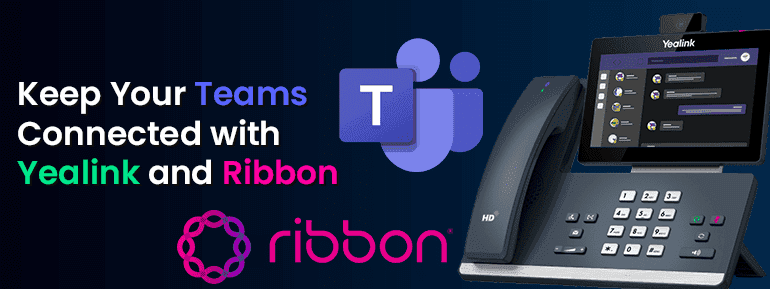
Businesses are excited about how Microsoft Teams helps them communicate and work together. They wish to keep Microsoft Teams Connected with Yealink and Ribbon. Yealink Microsoft Teams SIP phones run the Teams client. This gives users a familiar way to communicate in real-time. By connecting your smart business phone to the Microsoft Phone System, Yealink Optima HD Voice makes it easy to join a conference call.
Many organisations say that one of their goals is to be able to use Teams calling features from a desk or conference phone. But the switch from an existing PBX does not happen overnight. The switch to Teams Calling happens in groups but buying phones does not. This makes organisations think that they need to wait until all of their employees are using Teams Calling before they can deploy phones that can run the Teams client natively. Ribbon and Yealink have devised a way for full-featured Teams phones to be used before the migration is finished. The Yealink T56A, MP58-WH use ribbon session border controllers (SBCs), and CP960 desk phones and CP960 conference phones to route phone calls when the Phone System is not working. You can start using Yealink Teams phones immediately and take advantage of their full features as employees move over to them.


Keep Reading
Explore our latest technological insights tailored for Australian businesses.